How to Use AI in Project Management: 10 Practical Workflows
How to Use AI in Project Management: 10 Practical Workflows
How do you use AI in project management? You can use artificial intelligence to automate administrative tasks like status reporting, meeting summaries, and resource allocation. By leveraging AI as a decision-support tool, project managers can predict schedule risks based on historical data, generate initial project charters, and analyze complex budgets, freeing up time for high-level strategy and stakeholder alignment.
Artificial intelligence is no longer just a futuristic concept for data scientists. It is an active, mandatory skill for modern project leaders exploring the expanding role of artificial intelligence in project management. If you are still spending six hours a week manually formatting spreadsheets and chasing updates from your delivery teams, you are falling behind. According to the Project Management Institute (PMI), successful leaders are currently using generative models and predictive analytics to reclaim their time and eliminate blind spots. This guide details ten practical ways you can deploy these tools today to protect your budgets, align your teams in the Indian tech sector, and elevate your career.
10 Practical Ways to Use AI in Project Management
The easiest way to adopt artificial intelligence is to stop thinking of it as a single software platform. Instead, treat it as a bundle of capabilities that can handle repetitive, text-heavy tasks.
1. Automate Status Reports and Dashboards
Instead of chasing twelve different team members for updates, modern AI tools can pull live data from Asana or Monday.com to assemble a first-draft portfolio report. The project manager then transitions from a data gatherer to an editor. You simply review the AI-generated snapshot, adjust the tone for your executive sponsors, and hit send.
2. Capture Meeting Summaries and Action Items
Before these tools existed, project managers sat through planning meetings, scribbled notes, and spent an hour formatting recaps. Now, integrated meeting assistants like Otter.ai or Fireflies.ai can transcribe the conversation, identify key decisions, and extract action items. They can even assign follow-up tasks directly to team members, drastically reducing documentation time.
3. Predict Project Risks Before They Occur
While human managers excel at managing visible fires, algorithms excel at spotting invisible patterns. By feeding historical delivery data into predictive platforms like Forecast or ClickUp, you can identify hidden bottlenecks. According to Techpresso’s guide on AI for project management, the strongest setups combine automation with predictive analytics to improve overall delivery judgment.
4. Optimize Team Resource Allocation
Resource leveling is notoriously difficult in large organizations. When one developer becomes a hidden bottleneck in a Bengaluru-based tech hub, AI-powered systems like Float or Resource Guru can flag the uneven allocation instantly. The system will suggest alternative schedules or highlight cross-trained team members who have the capacity to take on the overflow.
5. Enhance Budget and Cost Tracking
Monitoring a massive ₹20 crore budget involves tracking hundreds of micro-transactions, change requests, and vendor invoices. AI features inside platforms like Smartsheet or QuickBooks can summarize these spending notes and immediately highlight areas where the burn rate exceeds the baseline. This provides you and your finance partner with a clean forecast discussion rather than a messy spreadsheet audit.
6. Accelerate Project Charter Creation
Staring at a blank page is the hardest part of project initiation. You can use secure AI platforms like ChatGPT or Claude to generate a robust first draft of your project charter. By inputting your core constraints, basic scope, and expected INR budget, the tool will produce a structured document that aligns perfectly with the standard 5 phases of project management.
7. Streamline Agile Sprint Planning
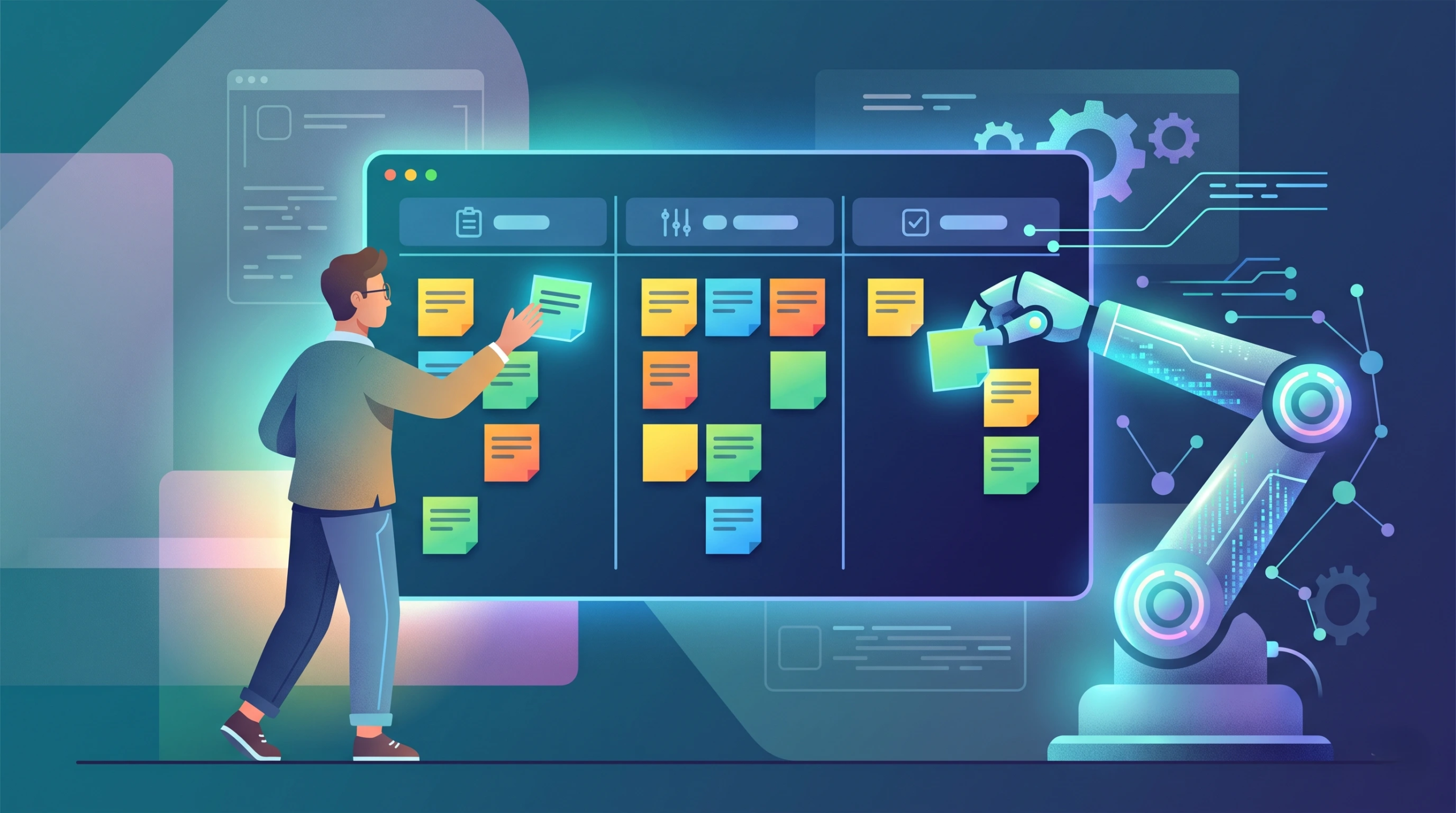
Artificial intelligence is completely reshaping agile ceremonies. Machine learning tools in Jira Software or Linear can analyze past sprint velocities to recommend exactly how many story points a team should commit to in the upcoming iteration. This prevents over-promising and helps scrum masters maintain a sustainable pace for their development teams.
8. Surface Past Lessons Learned
Most Project Management Offices (PMOs) require closure reports, but nobody has the time to read them when a new initiative begins. Natural language processing tools embedded in Notion AI or Confluence can instantly search years of archived documentation. When you start a new software rollout, the system will automatically surface the exact lessons learned from similar past deployments.
9. Analyze Vendor Contracts and SLAs
Reviewing fifty-page vendor contracts for service level agreement (SLA) penalties is tedious. Secure AI document readers like Kira Systems or DocuSign Insight can scan these contracts in seconds, extracting the specific clauses regarding delivery delays, payment terms, and compliance requirements. This allows you to negotiate with vendors much more effectively.
10. Leverage PMI Infinity as a Project Coach
The PMI Infinity AI tool is a dedicated assistant grounded entirely in official standards. You can ask this tool to help you evaluate trade-offs, draft stakeholder communications, or apply specific PMBOK Guide principles to your current challenges. It acts as an always-on mentor that ensures your methodology remains compliant.
Common Mistakes When Implementing AI
Just because a tool is fast does not mean it is correct. Avoid these frequent pitfalls to keep your initiative secure and accurate.
- Blindly trusting the output: Algorithms produce highly plausible but completely wrong information on a regular basis. Every AI-proposed risk log or timeline update requires human validation before it is presented to a sponsor.
- Violating data privacy: Do not paste confidential corporate financials, client lists, or sensitive architectural blueprints into public, unvetted language models. Always use enterprise-secured applications.
- Automating leadership: Algorithms can draft a crisis communication email, but they cannot deliver it with empathy. Never outsource team motivation, conflict resolution, or complex wicked problem solving scenarios to a machine.
- Ignoring bias: If your historical data is flawed, your new predictive models will be flawed. As noted by Planview’s breakdown on enterprise AI, you must constantly verify that generated insights actually fit your current project context.

How AI Workflows Feature in the PMP Exam
If you are preparing for certification, you must understand how these tools fit into formal governance frameworks. The PMP exam tests your ability to navigate hybrid environments where automated analytics meet human decision-making.
Keep these critical exam facts in mind. The PMP exam consists of 180 questions to be completed in 230 minutes. Under the new Examination Content Outline (ECO) effective July 9, 2026, the Business Environment domain accounts for 26% of the exam. You will encounter scenario-based questions that test your ability to validate AI-generated insights against human context. The exam will ask how you handle situations where algorithmic recommendations conflict with stakeholder needs. For a deeper dive into these specific scenarios, review our guide on AI questions in the PMP exam 2026.
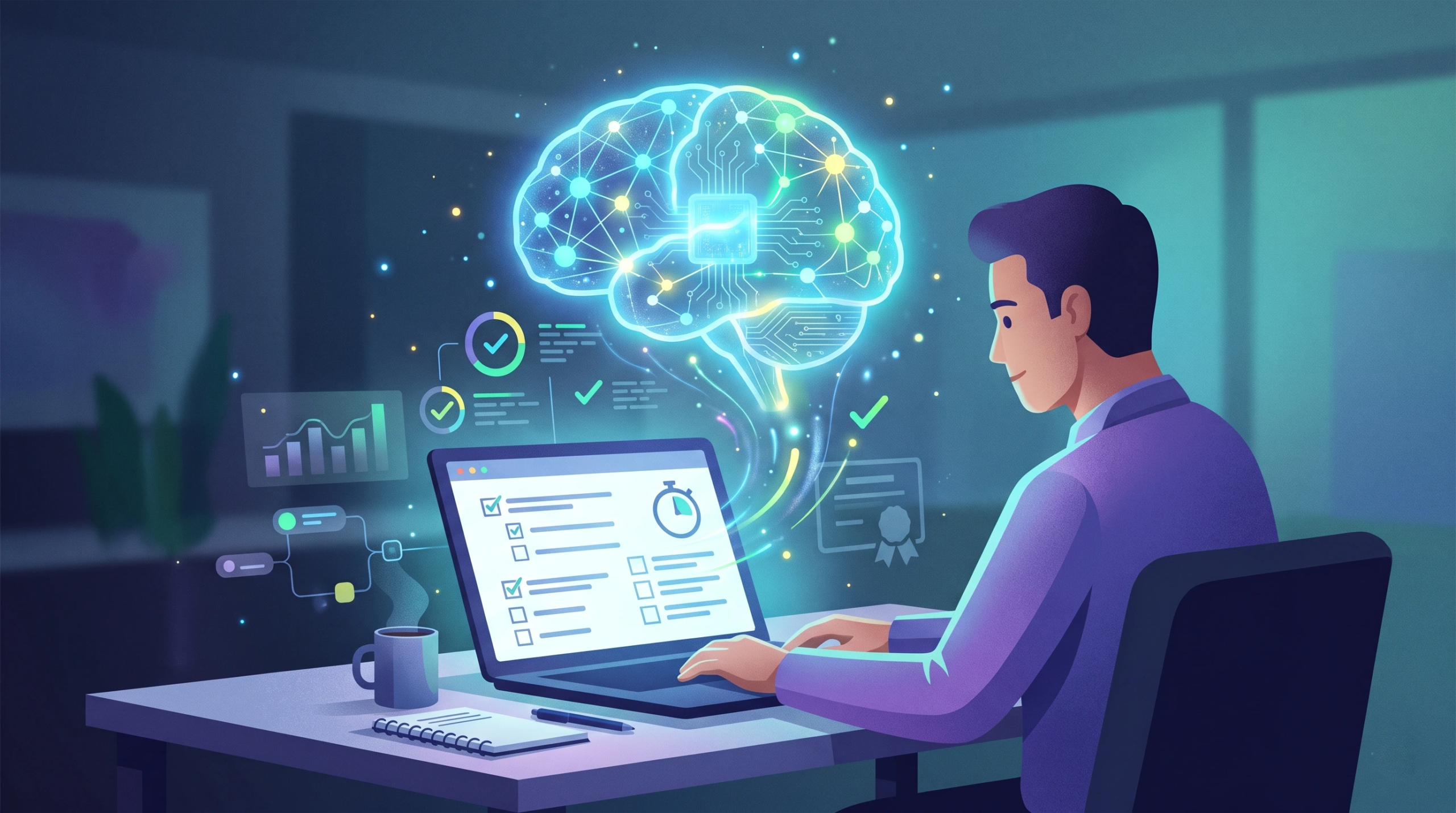
How is this tested on the 2026 PMP exam? The exam frames AI strictly as a decision-support tool. Questions focus on ensuring data privacy, verifying algorithmic outputs, and maintaining strict human accountability for final project deliverables.
Key Terms Table
| Term | Definition |
| Predictive Analytics | The use of historical data and machine learning to forecast future project outcomes or delays. |
| Natural Language Processing | AI technology that allows computers to understand, interpret, and generate human language. |
| PMI Infinity | An official AI-powered project coach grounded in PMBOK Guide standards and project management best practices. |
| Decision-Support Tool | An automated system designed to help human managers make choices, rather than making the final decision itself. |
Related Reading on ShriLearning
Expand your knowledge of modern project lifecycles with these resources:
- Artificial Intelligence in the Field of Project Management
- AI Questions in the PMP Exam 2026: What to Actually Expect
- The 5 Phases of Project Management: How the 2026 PMP Exam Tests the Lifecycle
- What Is Wicked Problem Solving? A Guide for PMP Aspirants
If you are ready to master modern project execution and pass the PMP exam on your first try, join Head Coach Shriram Kumar D in our upcoming weekend live batches (Sat-Sun, 6 to 10 PM IST), ShriLearning provides the mandatory 35 Contact Hours Certificate. You can take a free PMP mock at ShriLearning today to test your readiness. Please check current pricing at the live events page on shrilearning.com.
FAQs
More for you
How to Use AI in Project Management: 10 Practical Workflows
saketpratapsinghdm2026-10-24T15:48:41+05:30October 24th, 2026|
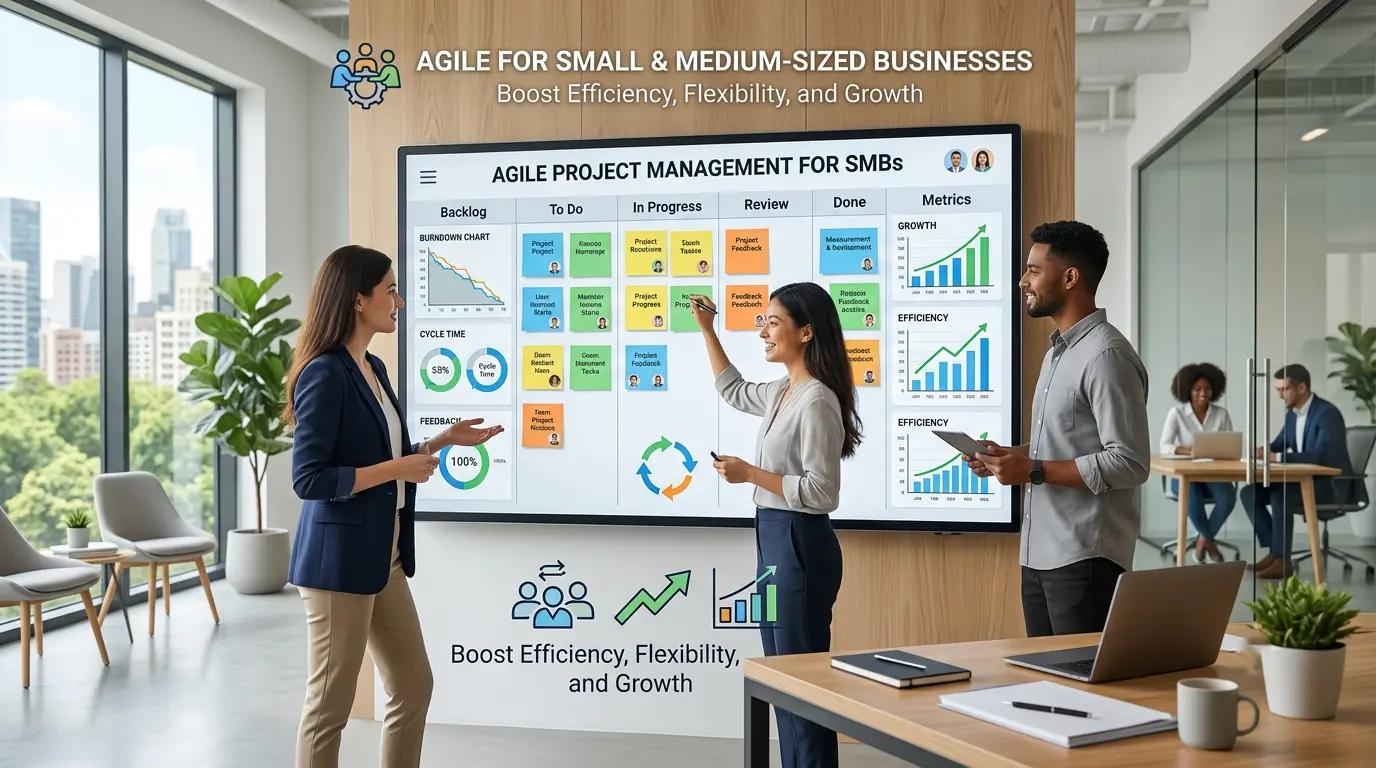
Benefits of Agile Project Management for Small and Medium-Sized Businesses
saketpratapsinghdm2026-09-28T10:12:30+05:30September 28th, 2026|

Work Breakdown Structure (WBS): The Complete PMP Guide, With a Worked Example
saketpratapsinghdm2026-09-21T16:48:15+05:30September 21st, 2026|
Stakeholder Management and RACI: The Complete PMP Guide (With a Worked Example)
saketpratapsinghdm2026-09-21T15:07:42+05:30September 21st, 2026|
How to Write a Problem Statement (With a PMP-Ready Template and Examples)
saketpratapsinghdm2026-09-21T14:42:27+05:30September 21st, 2026|

Earned Value Management: How to Actually Read CPI and SPI (Not Just Calculate Them)
saketpratapsinghdm2026-09-17T15:32:44+05:30September 17th, 2026|

Agile Practice Guide – Second Edition: What Changed, and What It Means for Your PMI-ACP Prep
saketpratapsinghdm2026-09-17T14:45:53+05:30September 17th, 2026|

Why the PMP People Domain Dropped to 33% (And How to Master It in 2026)
saketpratapsinghdm2026-08-27T21:18:31+05:30August 27th, 2026|