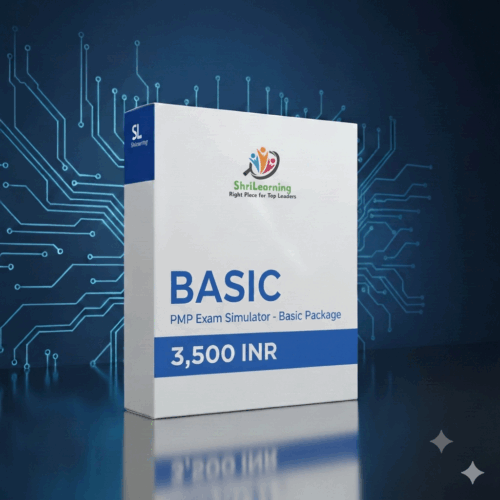
Basic
Original price was: ₹4,130.₹3,500Current price is: ₹3,500. ex. Tax
A focused final-month plan for disciplined, high-impact practice.
- 840 questions
- 2 full-length mocks
- 4 mocks (60Q each)
- 6 mocks (40Q each)
- 30 days access
PMP exam simulator · 90-day access
Pass the PMP exam with confidence and competence—updated for the current exam, with 90-day access.
The ShriLearning PMP Exam Simulator Premium helps you build the confidence and competence needed to pass the PMP exam. Designed for a focused 90-day preparation plan, its question pool aligns with the current PMP exam pattern and emphasizes relevant, high-impact topics.
The premium edition provides the largest included question set, the most full-length mock exams, and the longest access period in the ShriLearning PMP Exam Simulator range.
Paid add-ons are available if you need additional mock exams or a longer access period.
Choose your preparation runway
Every plan includes the same realistic exam experience. Choose the question volume and access period that fit your preparation timeline.
A focused final-month plan for disciplined, high-impact practice.
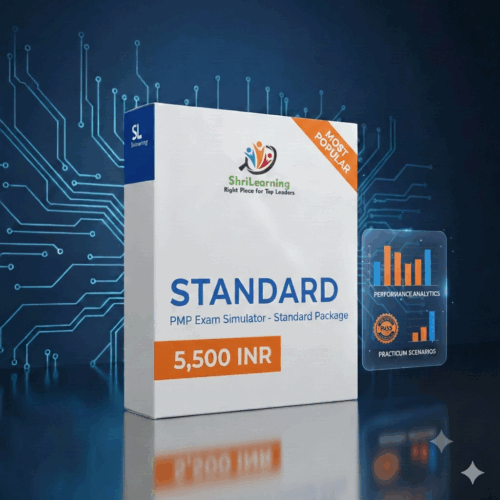
The balanced choice for a complete, structured preparation cycle.
Maximum practice depth for an extended preparation timeline.
Included with every package
Practice under exam-like conditions, understand every answer, and use your results to decide exactly what to revise next.
Practice pacing with section timers and realistic break behavior.
Flag questions, move through the grid, and return to review items quickly.
Learn from every question with clear text and audio explanations.
Surface strengths, weak areas, and focused next steps after each attempt.
See scores, time spent, correct answers, and performance trends immediately.
Attempt mocks comfortably on mobile, tablet, laptop, or desktop.
See the platform
The interface stays consistent across every package, so you spend your time practising—not learning a complicated tool.


Match the access period and question volume to your exam date.
Build stamina and confidence under exam-like conditions.
Turn detailed review and AI analysis into a focused revision plan.
Frequently asked
Your access begins when the qualifying purchase is completed and the package is activated on your ShriLearning account.
Yes. The simulator is designed for mobile, tablet, laptop, and desktop use. For full-length mocks, a larger screen is recommended.
Paid access extensions are available. Contact ShriLearning support before your access expires for the available options.
Yes. Every package includes detailed answer explanations, including audio explanations where available, plus post-attempt analysis.
Ready when you are
Get immediate access after checkout and make every practice session count.