How AI Can Help Project Managers?
How AI Can Help Project Managers?
“Is AI going to take my job?”
It’s the question haunting every project management forum right now. The short answer? No.
AI isn’t coming for the Project Manager’s job. But a Project Manager who knows how to wield AI? They are definitely coming for the job of the one who refuses to adapt.
Think about the shift we’ve already survived. We went from sticky notes and whiteboards to complicated Excel macros and cloud dashboards. AI in Project Management is just the next evolutionary step. It isn’t magic. It isn’t a sci-fi villain. It is simply a better shovel for digging through the mountain of data we deal with daily.
If you feel like a glorified admin—buried under status reports and scheduling conflicts—AI is your exit strategy. Here is how to stop playing “Project Secretary” and start being a Project Leader.
1. Ditch the Grunt Work
You didn’t burn the midnight oil for your PMP® certification just to copy-paste updates from email threads into spreadsheets.
Yet, be honest—that is where half the day goes. Studies show PMs waste ridiculous amounts of time on admin tasks. This is where tools like Microsoft Copilot or Otter.ai flip the script. They don’t just “help.” They take over the boring stuff entirely.
- Meeting Notes: Stop typing while people talk. It’s impossible to listen actively and transcribe simultaneously. Let the AI transcribe the call and email the summary before you even hit the “Leave Meeting” button.
- Status Updates: Instead of chasing people for updates, let the tool draft the email or update the Jira ticket based on the team chat logs.
The Real Win: You walk out of a meeting, and the minutes are already done. That frees up brain space to actually handle the stakeholders.
2. Predicting the Future (Sort Of)
Usually, we find out about a risk when it explodes into an issue. That is the old way: reactive. AI lets you get proactive.
Think of it as a weather forecast for your timeline. By crunching past data—like how often a specific vendor delivers late or how often scope creeps in Phase 2—AI spots the patterns human eyes miss. It might flag a specific task and say, “Heads up, there is a 40% chance this delays the Critical Path.”
Now, you aren’t putting out fires. You are preventing the spark.
Related Read: The math behind this is fascinating. Check out our guide on Quantitative Risk Assessment: How to Quantify Risks in Project Management.
3. Resource Allocation That Doesn’t Burn People Out
“Who is free next week?”
Answering that simple question is usually a nightmare involving three different spreadsheets.
AI tools handle this in seconds. They look at skills, availability, and who is already drowning in work. It helps you see if your lead developer is secretly assigned to three critical tasks across different projects. Catching that early saves the project—and your team’s sanity.
4. The “Bad Requirement” Detector
Ambiguous requirements are the silent killers of good projects.
Generative AI acts like the world’s most relentless Business Analyst. Feed it a rough scope statement. It will tear it apart. It can generate a detailed Work Breakdown Structure (WBS) or ask the uncomfortable questions you forgot, like “What happens if the user loses internet connection during the transaction?”
It forces clarity before the code is written.
Try this prompt: “Act as a cynical Senior PM. Review this project scope for a mobile banking app and list 5 potential blind spots we missed.”
Deep Dive: Which tools are actually worth the subscription? We ranked them here: Top Eight AI Tools That Every Project Manager Has To Know.
5. The Limit: What AI Cannot Do
AI can calculate the Schedule Performance Index (SPI) faster than you can blink. But it cannot calm down a furious client. It cannot motivate a team that is tired of mandatory overtime. And it definitely cannot navigate the nuances of office politics.
That is the “Human Edge.”
The future is Hybrid Intelligence. Let the tech handle the data; you handle the humans. As we explored in Why AI Is An Ultimate Game-Changer For Project Management, the goal is simple: let the robot do the robotic work so you can lead.
Future-Proofing Your Career
Don’t let the anxiety get to you. AI in Project Management is just another tool in the bag, right next to your Risk Register.
Next Step: Start small. Pick one thing this week—like automating those meeting notes—and see how much time you get back.
Keep advancing in your PMP journey — explore our other in-depth guides
- Agile vs Waterfall: Which Methodology is Right for Your Project?
- The 5 Scrum Events Explained: Purpose, Attendees, and Effective Execution
- Why PMP Aspirants Fail? – And How to Avoid Them
- Confused Between Agile, Hybrid, and Predictive? Here’s a Clear Comparison
- Why You Should Track Your Errors — and How to Do It Right
Your first project is calling—will you answer? Join the ShriLearning Community Connect with fellow PMP aspirants and expert instructors. Crete your study plan for free from ShriLearning study-plan-generator.
FAQs
More for you
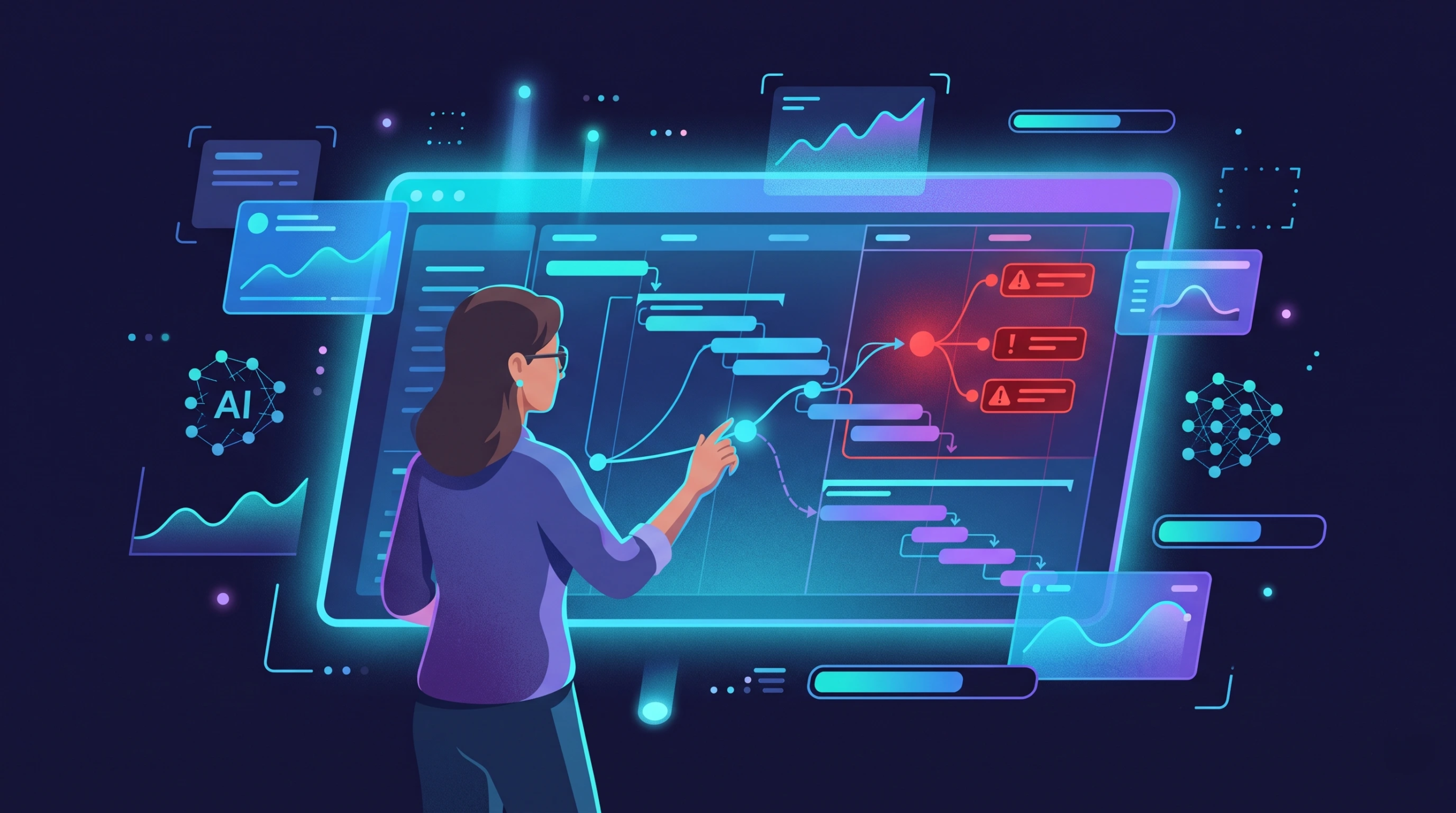
How to Use AI in Project Management: 10 Practical Workflows
saketpratapsinghdm2026-10-24T15:48:41+05:30October 24th, 2026|
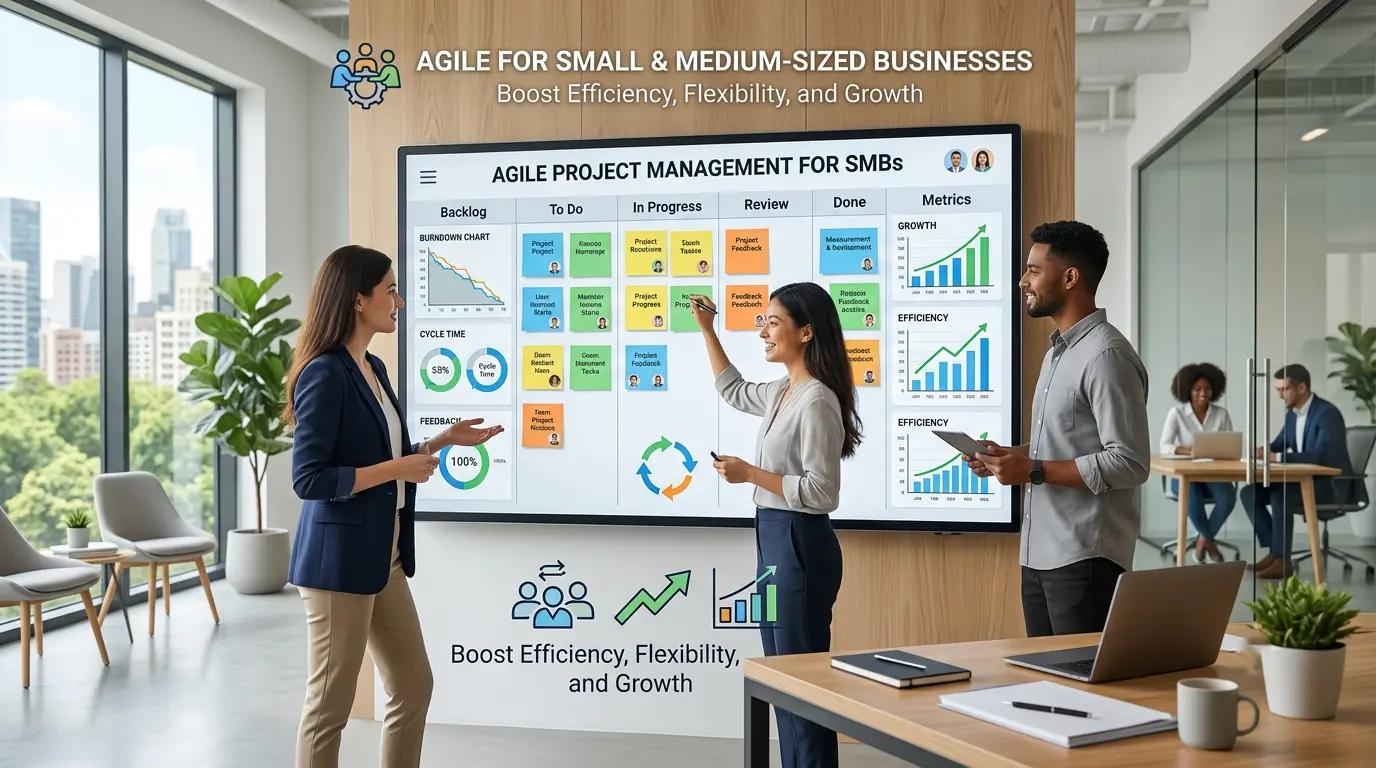
Benefits of Agile Project Management for Small and Medium-Sized Businesses
saketpratapsinghdm2026-09-28T10:12:30+05:30September 28th, 2026|

Work Breakdown Structure (WBS): The Complete PMP Guide, With a Worked Example
saketpratapsinghdm2026-09-21T16:48:15+05:30September 21st, 2026|
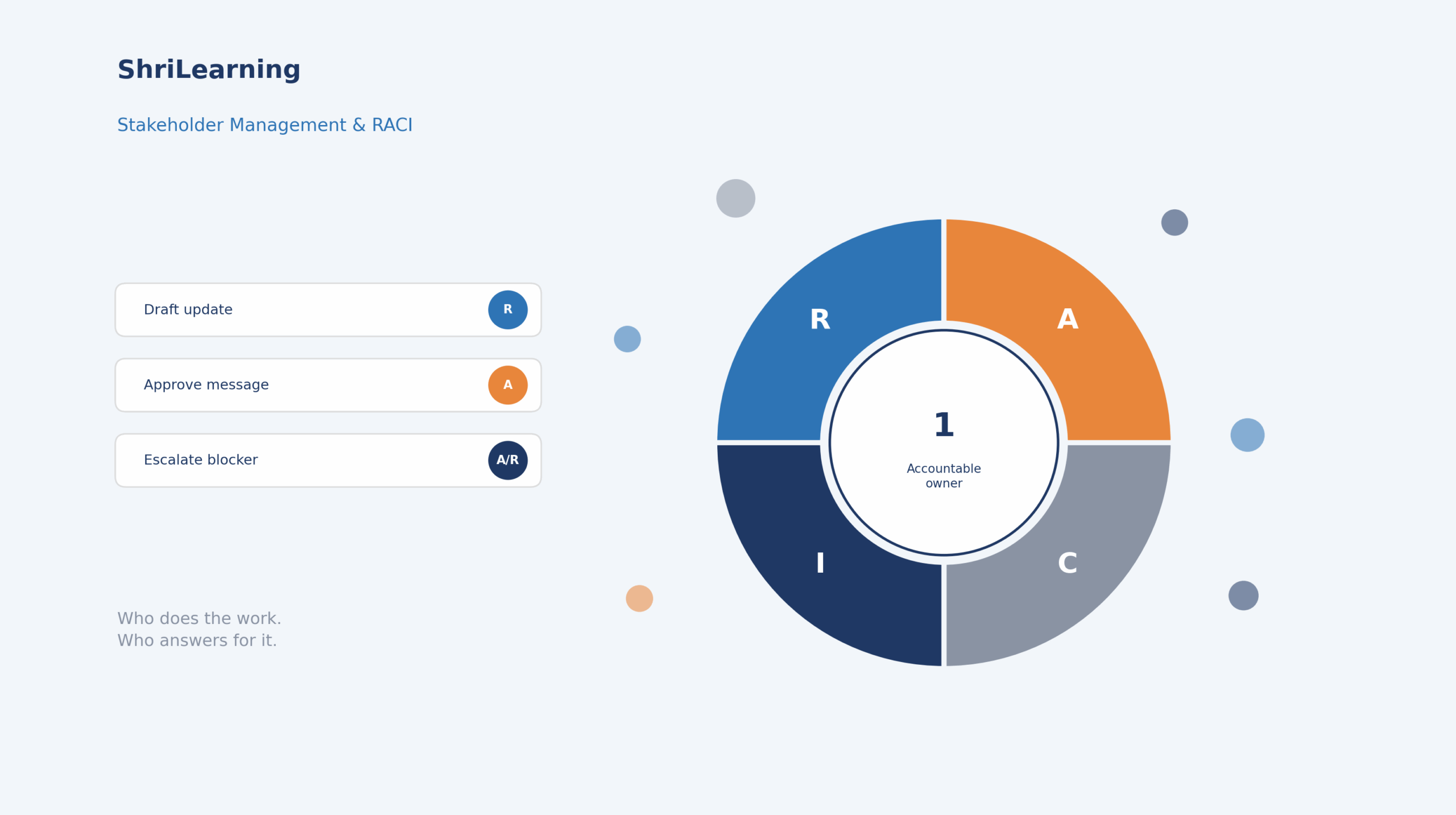
Stakeholder Management and RACI: The Complete PMP Guide (With a Worked Example)
saketpratapsinghdm2026-09-21T15:07:42+05:30September 21st, 2026|
How to Write a Problem Statement (With a PMP-Ready Template and Examples)
saketpratapsinghdm2026-09-21T14:42:27+05:30September 21st, 2026|

Earned Value Management: How to Actually Read CPI and SPI (Not Just Calculate Them)
saketpratapsinghdm2026-09-17T15:32:44+05:30September 17th, 2026|

Agile Practice Guide – Second Edition: What Changed, and What It Means for Your PMI-ACP Prep
saketpratapsinghdm2026-09-17T14:45:53+05:30September 17th, 2026|

Why the PMP People Domain Dropped to 33% (And How to Master It in 2026)
saketpratapsinghdm2026-08-27T21:18:31+05:30August 27th, 2026|