PMP Exam Time Management 2026: How to Pace the 180-Question, 4-Hour Marathon
PMP Exam Time Management 2026: How to Pace the 180-Question, 4-Hour Marathon
You are staring at question 145. You look up at the countdown timer on your screen. You have exactly 12 minutes left.
Panic instantly freezes your brain. You realize you have 35 questions remaining and no possible way to read them all, let alone analyze the situational nuances. You spend the last ten minutes blindly clicking “C” just to fill in the blanks before the screen goes black.
Weeks of intense study, mastering Agile metrics, and memorizing the PMI Mindset are completely wasted — not because you didn’t know the material, but because you failed to manage the clock.
At ShriLearning, we see brilliant project managers fail their first mock exams for this exact reason. The Project Management Professional (PMP)® exam is not just a test of your knowledge; it is an endurance marathon. It is specifically designed to test your psychological stamina and your ability to make rapid, accurate decisions under extreme time pressure.
Since July 9, 2026, PMI moved the exam back to a 4-hour, 240-minute format (up from the previous 230 minutes) as part of the updated 2026 Examination Content Outline. If you walk into the Pearson VUE testing center (or boot up your online proctored exam) without a rigid, mathematical pacing strategy, the clock will still defeat you — it’s just a slightly longer clock now. Here is the definitive, updated 2026 guide to mastering PMP exam time management under the new 240-minute format.
Table of Contents
- The Math Behind the Marathon: Minutes vs. Questions
- The 240-Minute Countdown Rule (The 3 Blocks)
- How to Strategically Use Your Two 10-Minute Breaks
- The 78-Second Rule (And When to Break It)
- The “Mark for Review” Trap
- Beating Mental Fatigue in Block 3
1. The Math Behind the Marathon: Minutes vs. Questions
You have a total of 240 minutes to answer 180 questions. Mathematically, this gives you roughly 80 seconds per question — though we recommend pacing at 78 seconds per question, which builds in a small safety buffer for harder questions (see the chart below).
Before we dive into strategy, you must understand the raw boundaries of the playing field. The 2026 PMP exam structure (effective July 9, 2026) is:
- Total Scored & Unscored Questions: 180 (170 scored + 10 unscored/pretest)
- Total Exam Time: 240 minutes (4 hours)
- Built-in Breaks: Two 10-minute breaks (these do not count against your 240 minutes)
If you attempt to treat all 180 questions as one giant mountain to climb, you will lose track of your pace. By question 90, you will have no idea if you are ahead of schedule or falling dangerously behind. You must break the math down into manageable, highly trackable milestones.
2. The 240-Minute Countdown Rule (The 3 Blocks)
The PMP exam software timer counts down from 240 minutes, not up. You must divide the exam into three 60-question blocks, aiming to complete each block in 78 minutes — leaving a 6-minute total safety buffer.
The Pearson VUE exam software still forces you to take the test in three distinct sections, separated by your two optional breaks. This is actually a massive advantage if you know how to use it.
When you sit down at the testing computer, before you click “Start,” use your provided whiteboard or scratchpad to write down this exact milestone chart:
The PMP Pacing Chart (Updated for the 240-Minute Format)
| Exam Block | Questions | Target Time per Block | What the Clock Should Say When You Finish |
|---|---|---|---|
| Block 1 | Q1 to Q60 | 78 Minutes | 162 Minutes Remaining |
| Break 1 | Optional 10 Mins | Clock Pauses | Take the break! |
| Block 2 | Q61 to Q120 | 78 Minutes | 84 Minutes Remaining |
| Break 2 | Optional 10 Mins | Clock Pauses | Take the break! |
| Block 3 | Q121 to Q180 | 78 Minutes | 06 Minutes Remaining (Buffer) |
By using this chart, you only have to check the clock three times.
- When you reach Question 60, look at the timer. Does it say 162? You are perfectly on pace.
- Does it say 140? You are moving way too slowly and must speed up in Block 2.
- Does it say 180? You are rushing and likely making careless reading errors. Slow down.
3. How to Strategically Use Your Two 10-Minute Breaks
The two 10-minute breaks are optional, but taking them is mandatory for your success. You must step away from the screen to reset your decision fatigue.
When you finish Question 60 and Question 120, the software will ask if you want to review your answers for that block. Once you confirm you are done, the software asks if you want to take your 10-minute break.
Once you start the break, you are permanently locked out of the previous 60 questions. You can never go back to them.
What NOT to do during your break:
- Do not sit at your desk and stare at the blank screen.
- Do not try to remember question 42 and panic about whether you got it right.
- Do not skip the break because you feel “fine.” Fatigue hits suddenly in Block 3.
What you MUST do during your break:
- Leave the room: Stand up, stretch your legs, and walk out of the testing room (or away from your webcam if testing at home, following proctor rules).
- Hydrate and Fuel: Drink water and eat a fast-digesting, high-energy snack (like a banana or a protein bar). Your brain burns a massive amount of glucose during heavy cognitive lifting. Replenish it.
- Splash water on your face: Physically reset your state.
- Watch the clock: If you take 11 minutes, that extra minute is deducted from your 240-minute exam time. Be back in your seat at the 8-minute mark.
4. The 78-Second Rule (And When to Break It)
You should aim to spend an average of 78 seconds per question. However, you must fluidly steal time from easy questions to fund the difficult questions.
Not all PMP questions are created equal. You will encounter one-sentence direct knowledge questions, and you will encounter massive, three-paragraph situational hybrid scenarios.
- The 30-Second Questions (The Funders): When you see a straightforward Agile definition question or a simple drag-and-drop matching exercise, answer it in 30 seconds. Do not second-guess yourself. By answering quickly, you just “banked” roughly 48 seconds.
- The 2-Minute Questions (The Consumers): When you hit a complex Earned Value Management (EVM) calculation or a lengthy conflict-resolution scenario, you will need 2 minutes to read it carefully, identify the trap answers, and apply the PMI Mindset. Use the time you banked earlier to cover it.
The Golden Rule of Pacing: Never, under any circumstances, spend more than 3 minutes on a single question. If you are staring at an EVM formula for 3 minutes and still don’t know the answer, pick your best guess, flag it, and move on. Sacrificing 5 easy questions at the end of the test because you stubbornly fought with one math question is a disastrous trade.
5. The “Mark for Review” Trap
The “Mark for Review” feature is a helpful tool, but hoarding marked questions will destroy your time management. Limit yourself to marking a maximum of 5 questions per 60-question block.
The Pearson VUE software allows you to flag a question you are unsure about so you can return to it before submitting the block.
Many anxious candidates flag 20 or 30 questions in the first block. When they reach question 60, they look at the clock, realize they only have a few minutes left before they hit the 162-minute milestone, and realize it is mathematically impossible to re-read and re-analyze 25 flagged questions.
The Flagging Strategy:
- Always select an answer. Even if you are completely guessing, click an option before you flag it. If you run out of time and the block auto-submits, a guess has a 25% chance of being right. A blank answer has a 0% chance.
- Only flag 50/50 splits. If you have eliminated two trap answers and are truly torn between the final two, flag it.
- Trust your gut. Your first instinct, driven by your study of the PMI Mindset, is usually correct. When candidates review flagged questions, they often talk themselves out of the right answer and switch to a wrong one. Only change a flagged answer if you find concrete proof in the text that you missed on the first read.
6. Beating Mental Fatigue in Block 3
Questions 121 through 180 are the danger zone. This is where reading comprehension plummets and candidates start falling for trap answers.
By the time you enter Block 3, you have been staring at a screen making high-stakes decisions for close to three hours. Your brain will want to quit. You will find yourself reading the same paragraph three times and absorbing nothing.
How to fight Block 3 Fatigue:
- Use the Strike-through Tool: The exam software allows you to highlight text and strike through incorrect answers. Use this! When you eliminate an option, cross it out visually so your tired brain doesn’t accidentally re-read it.
- Read the Final Sentence First: In long, paragraph-style situational questions, skip to the very last sentence first (usually the actual question, e.g., “What should the PM do next?”). Then, read the paragraph. When you know what you are looking for, your brain filters out the useless distractor information much faster.
- Posture and Breathing: Do not slouch into the screen. Sit back, take a deep breath, and physically reset your posture every 10 questions.
You cannot learn to run a marathon by reading a book about running. You have to actually hit the pavement.
Similarly, you cannot master PMP time management by just reading this pacing strategy. You must condition your brain to the 240-minute clock. If your study routine only consists of doing 10 practice questions at a time on your phone while watching TV, the real exam will completely crush you.
At ShriLearning, we enforce rigorous endurance training. When you join our PMP Mentorship program, you gain access to our premium, full-length 180-question mock exam simulators — recalibrated for the 240-minute, post-July-9 2026 format
Keep advancing in your PMP journey — explore our other in-depth guides
- 2026 PMP Exam Changes: The “Practicum” Revolution & Why 4 Hours Changes Everything
- The 2026 PMP Exam Shift: How to Master the “Business Environment” Surge (8% to 26%)
- The 5 Scrum Events Explained: Purpose, Attendees, and Effective Execution
- Why PMP Aspirants Fail? – And How to Avoid Them
- Why You Should Track Your Errors — and How to Do It Right
Your first project is calling—will you answer? Join the ShriLearning Community Connect with fellow PMP aspirants and expert instructors. Crete your study plan for free from ShriLearning study-plan-generator.
FAQs
More for you
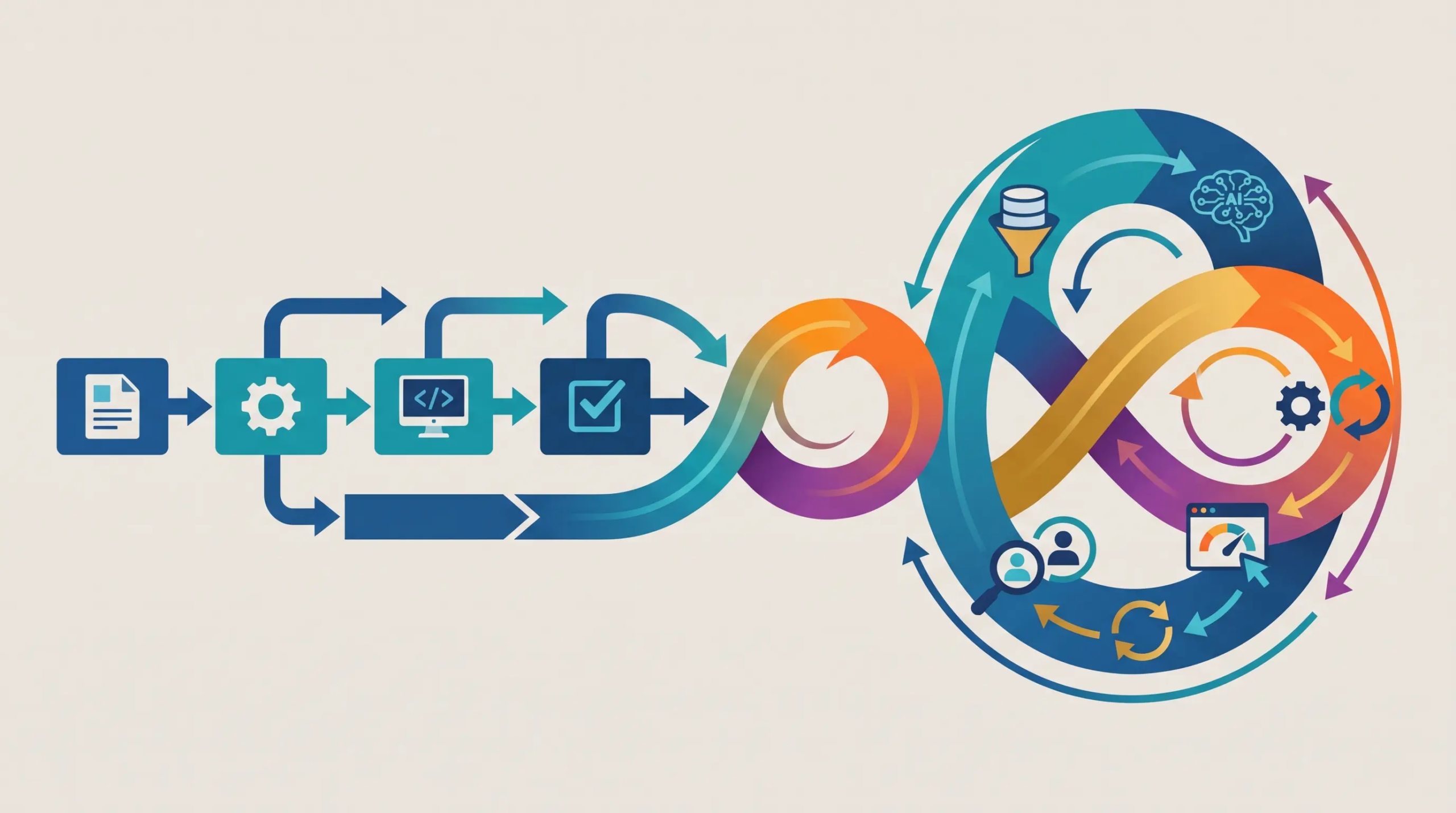

6 Phases to Run a Successful AI Project
saketpratapsinghdm2026-10-25T15:57:35+05:30October 25th, 2026|

How to Transition From Project Manager to PMO Leader
saketpratapsinghdm2026-10-25T14:09:58+05:30October 25th, 2026|

Sustainable AI Starts with Trustworthy AI: A 2026 Guide for Project Managers
saketpratapsinghdm2026-10-24T17:34:12+05:30October 24th, 2026|

Leading Teams Through Change: How Project Managers Can Drive Successful Transformation in 2026
saketpratapsinghdm2026-10-24T16:59:20+05:30October 24th, 2026|

How to Use AI in Project Management: 10 Practical Workflows
saketpratapsinghdm2026-10-24T15:55:17+05:30October 24th, 2026|
Benefits of Agile Project Management for Small and Medium-Sized Businesses
saketpratapsinghdm2026-09-28T10:12:30+05:30September 28th, 2026|

Work Breakdown Structure (WBS): The Complete PMP Guide, With a Worked Example
saketpratapsinghdm2026-09-21T16:48:15+05:30September 21st, 2026|
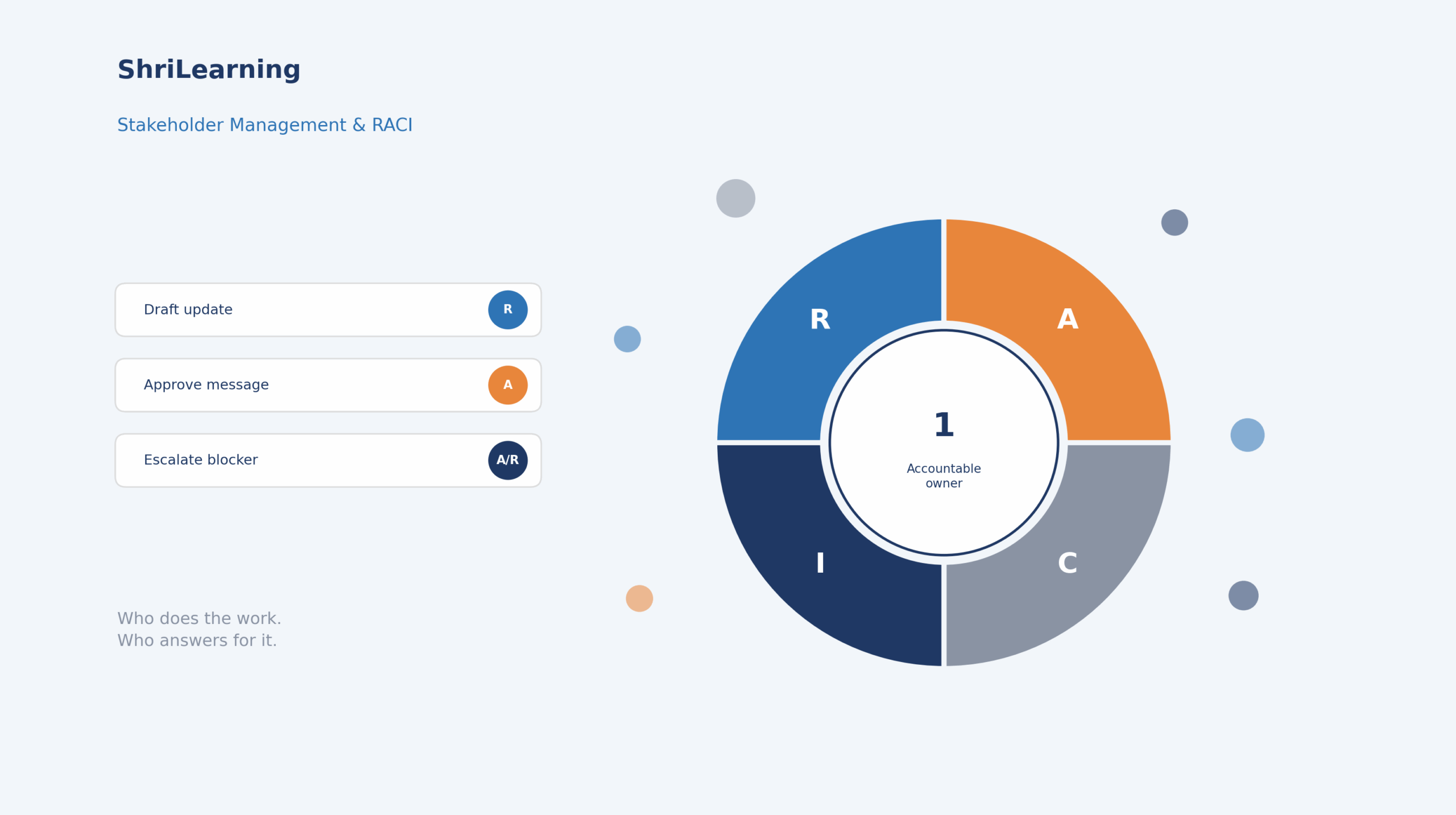
Stakeholder Management and RACI: The Complete PMP Guide (With a Worked Example)
saketpratapsinghdm2026-09-21T15:07:42+05:30September 21st, 2026|